Weather
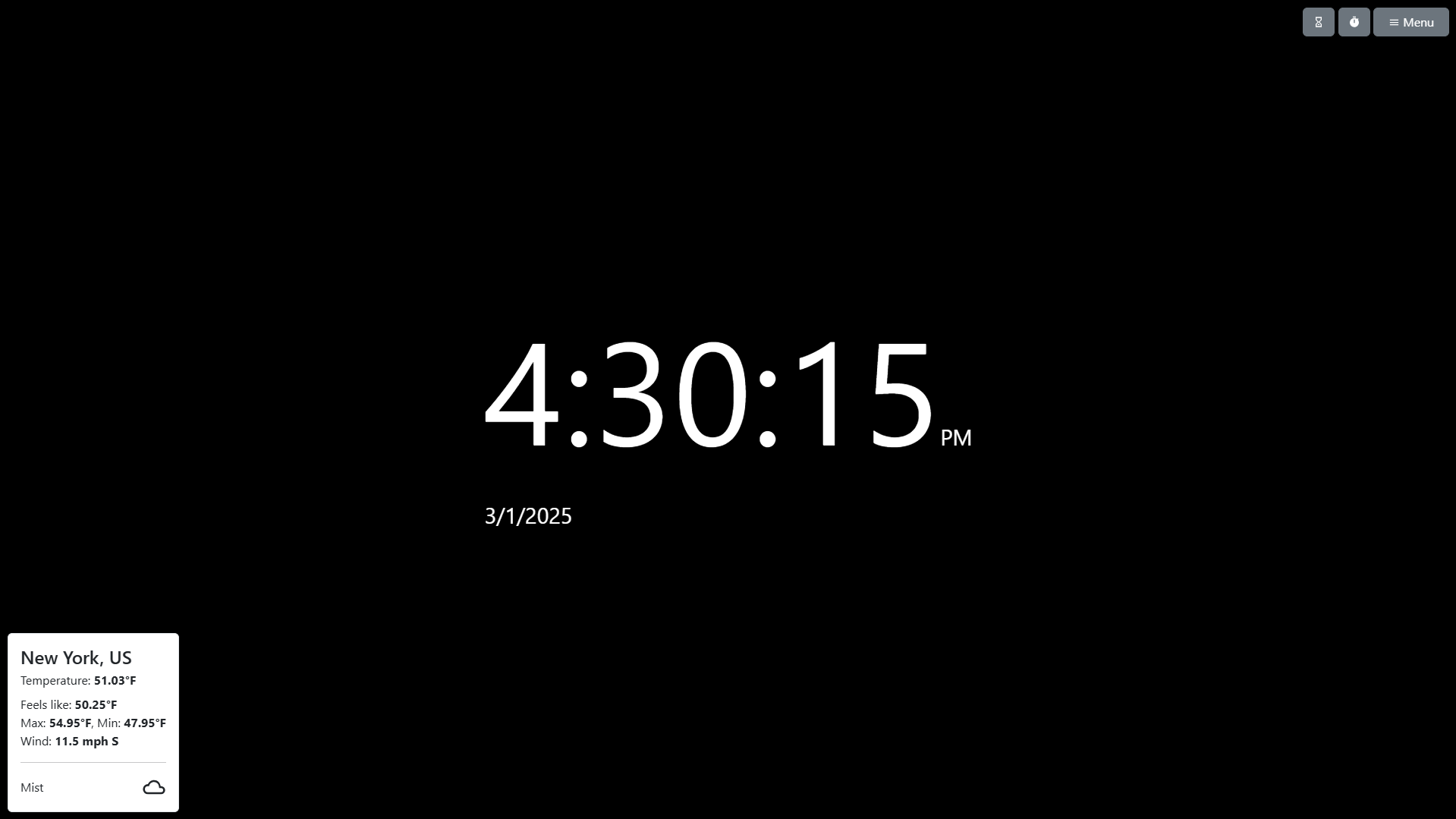
The Weather options allow you to display the current weather conditions in a widget using the OpenWeatherMap API.
All of these settings can be set with URL parameters.
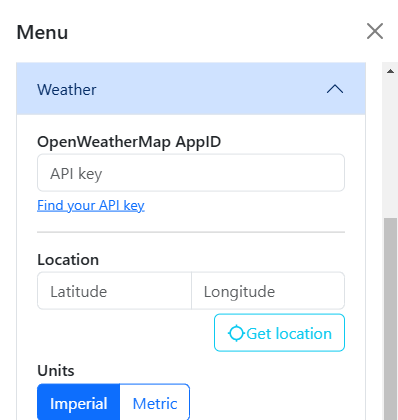
Table of contents
Appearance
Options
OpenWeatherMap AppID
The “AppID” is an API key that you can get (for free) from the OpenWeatherMap website. In order to use the API, you must have an OpenWeatherMap account.
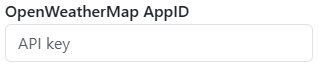
It may take a while for your API key to start working if you just created it. If you continue to have issues, you can contact OpenWeatherMap support.
Online Web Clock is not operated or endorsed by OpenWeatherMap. I cannot provide you support for your account.
Location
You can choose to manually enter a location’s latitude and longitude, or you can use the “Get location” button to set it automatically.
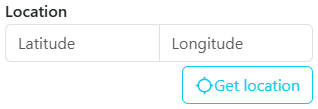
For example, New York City is located at 40.7128° N, 74.0060° W, or 40.7128, -74.0060.
Using the “Get location” button requires access to your device’s GPS. Your precise location is used in accordance with the Privacy Policy and Terms of Online Web Clock and OpenWeatherMap.
Units
You have the option to display the weather using the metric or imperial system, which changes the units used to display the temperature and wind speed.
Once enabled, the weather widget will update once every 15 minutes.
Fun fact
If left to run continuously for a month (30 days), the API will only have been called 2,880 times, which is significantly less than the 1,000,000 API monthly call limit for free accounts.
Widget Position
With this button toggle, you can drag the weather widget to a different position on the page. You can also reset its position to the default.
After dragging the weather widget to a different position, an “XY” position label will appear in the menu to let you know the current coordinates of the widget, making it easier to set with URL Parameters.
